Franchise store opening and closing checklist
Use our customizable checklist to standardize opening and closing procedures, increase consistency across your locations, and uphold compliance standards.





Run your daily franchise operations like clockwork
Don't leave your opening and closing procedures up to interpretation. Ensure every store, restaurant, or unit follows the correct protocol to the letter.
Our dynamic e-form and automated workflow guides managers through safety checks, stock counts, and daily maintenance tasks. Giving them the confidence to run their unit efficiently and compliantly.
Meanwhile, franchisors can access a dashboard of checklist submissions, monitor issues, and gauge network compliance.

.png?width=90&height=90&name=QFA%20partner%20member%20badge%20(1).png)

%20(7)%20(1).png?width=1600&height=1000&name=Frame%20337%20(1)%20(7)%20(1).png)

1. Submit unit details
Managers start by filling in their name, date, and location details. They then specify whether they're submitting an opening or closing checklist, depending on their shift.

2. Complete opening form
When "opening" shift is selected, users will see a checklist of safety, premises, equipment, cleaning, and stock tasks. They can tick off each item and add notes if necessary.

3. Complete closing form
Users that select "closing" shift will follow an alternative checklist, focusing on securing the premises, shutting down equipment, and setting alarm systems.
.svg)
4. Escalate any issues
Employees have the ability to flag issues and provide supporting evidence. If the issue is serious, the system automatically directs the ticket to HQ for escalation.
Customizable form and workflow logic
No two franchises are the same, which is why our opening and closing checklist is completely configurable. We give you the template, you tweak the form structure, content, triggers, and workflow logic to suit your needs.
For example, if fridge temperatures are recorded above the recommended threshold, the system could automatically direct a support ticket to your compliance team for escalation.
Other customizable features include:
- Status types
- Service level agreement (SLA) timers
- Notifications and reminders
- User permissions and content visibility


Are we the
right fit?
Schedule a 10-minute intro to see if
Claromentis is a good fit for your franchise network.
 Trusted by 100,000+ users worldwide
Help franchisees comply with store protocol
Use the full power of our franchise management software to give context to your opening and closing procedures and better support unit staff.
- House your operations manual in a secure policy management application, and boost understanding with a built-in AI assistant
- Build a searchable knowledge base of SOPs, health and safety best practices, and equipment guides
- Provide access to up-to-date digital assets to simplify design creation, menu changes, and window displays
- Deliver store opening and closing protocol training via our integrated LMS

Included in our franchise operations process pack
Our store opening and closing checklist is just one of the many workflows provided in the Claromentis franchise operations process pack.
These configurable templates help you streamline operations, royalty calculations, incident reporting, and more.
/Group%20395%20(1).jpg?width=1920&height=1200&name=Group%20395%20(1).jpg)
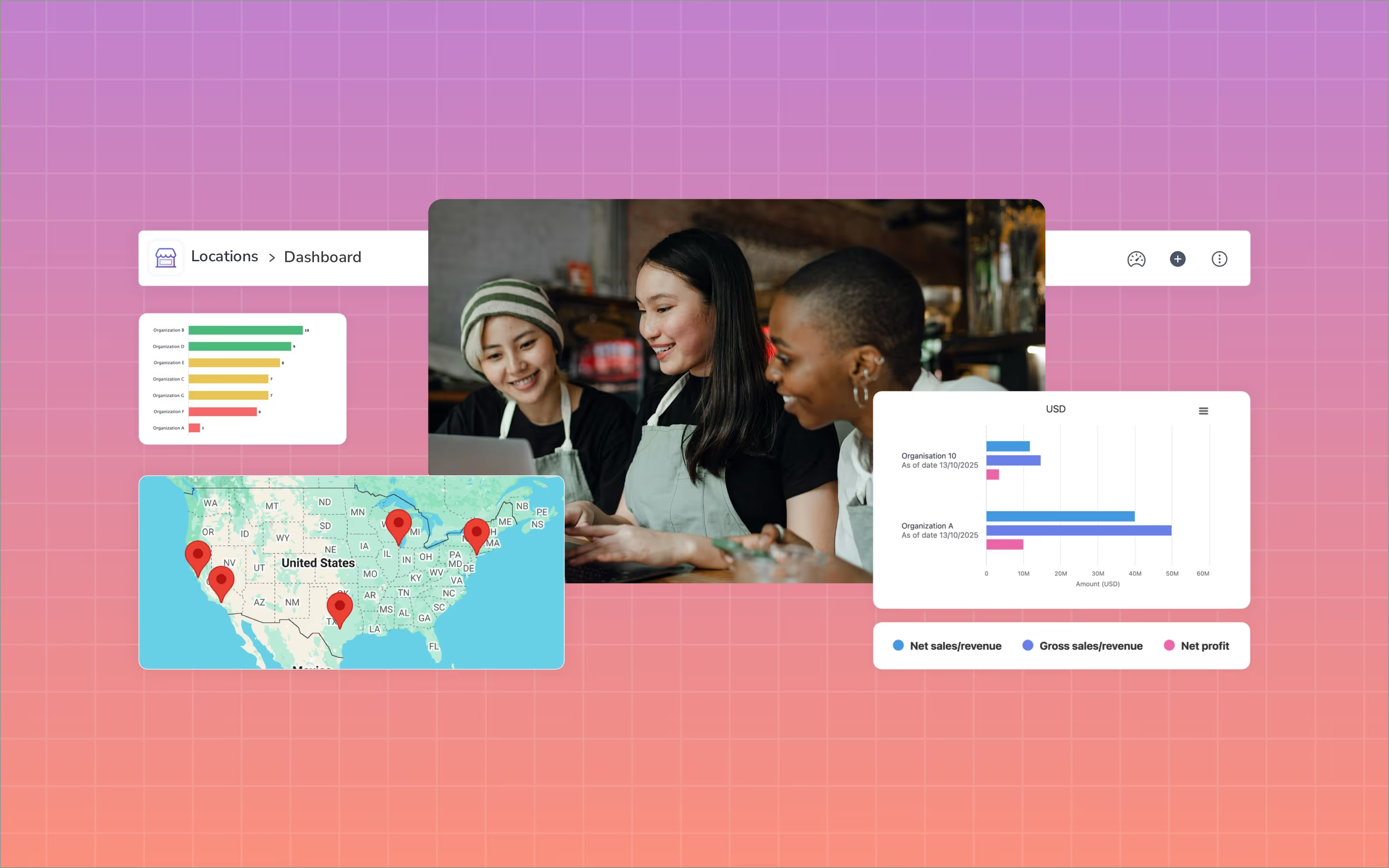
Coming soon: Locations integration
In the near future, franchises will be able to access an overview of store opening and closing logs in Locations.
This integration will provide greater insights into consistency and compliance across your units.
Benefits of our opening and closing checklist
Erase any doubt
Monitor unit-by-unit compliance
Boost operational efficiency
A defined checklist enables store managers and employees to complete necessary health, safety, and system checks to the letter. This improves operational efficiency and process consistency across your network.
Improve customer experiences
Successful opening and closing procedures help to create a consistently good experience across your locations. They can also improve health and safety standards, especially where food handling is concerned.
This isn't just great for your customers; it can boost your brand reputation, too.
Streamline inspections and audits

“Claromentis’s simple to use set of tools allows us to create a great looking intranet for our franchisees while giving them access to powerful tools for training and learning. The extensive permissions system allows us to control user access and enable franchisees to control their own sub-users and content creation areas. Customer support during the onboarding has been very fast and the online training has been invaluable.”
“Claromentis is a very good platform and we are very excited to use it for our 'Winkworth Hub'.”
“We are pleased to provide our valued franchise partners with secure and personalized access to the Viterma Intranet powered by Claromentis. This platform is designed exclusively for authorized users to facilitate seamless communication, collaboration, and access to essential resources within our franchise network.”

E-form and Workflow
Adapt the form to align with your standard operating procedures and personalize the workflow logic to ensure appropriate issue escalation.

Notifications

User Permissions
Set granular roles and permissions to restrict visibility. This means franchisees, store managers, and employees only see information related to their location.

Audit Trail
Gather a complete audit trail of opening/closing procedures, safety checks, photographic evidence, and instances of non-compliance.

Franchise training and onboarding
Streamline franchisee onboarding, improve network compliance, deliver health and safety training, and more.

Franchise operations management
Automate repeatable processes, ensure seamless internal and external audits, and keep track of unit performance.

Franchise compliance
Distribute policies and enforce acceptance, safeguard your sensitive data, and improve regulatory understanding.

Franchise intranet and communications
Centralize communications, create one source of truth for documents and assets, and boost franchisee engagement.
Get a software overview.
Ready to see it in action?
Book a personalized demo of our franchise management software and configurable store opening checklist today.