An all in one business enablement solution
Claromentis Enablement Hub gives your people everything they need to succeed. Centralize knowledge and speed-up discovery with AI search. Craft impactful e-learning pathways. Build effective, time-saving automations.







Intranet
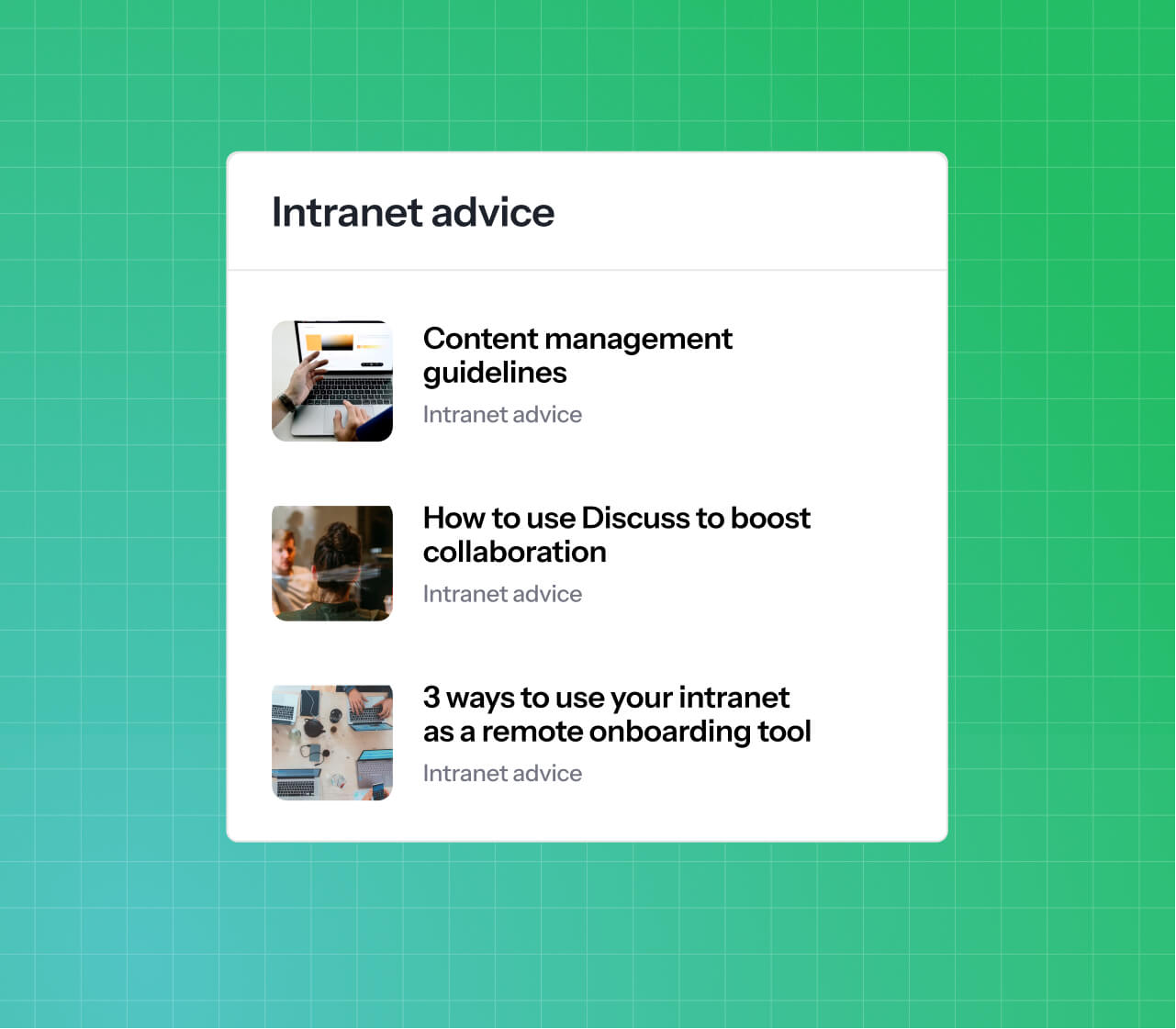
Break down data silos, connect your workforce, and provide a world class, AI-powered employee experience.
Process automation
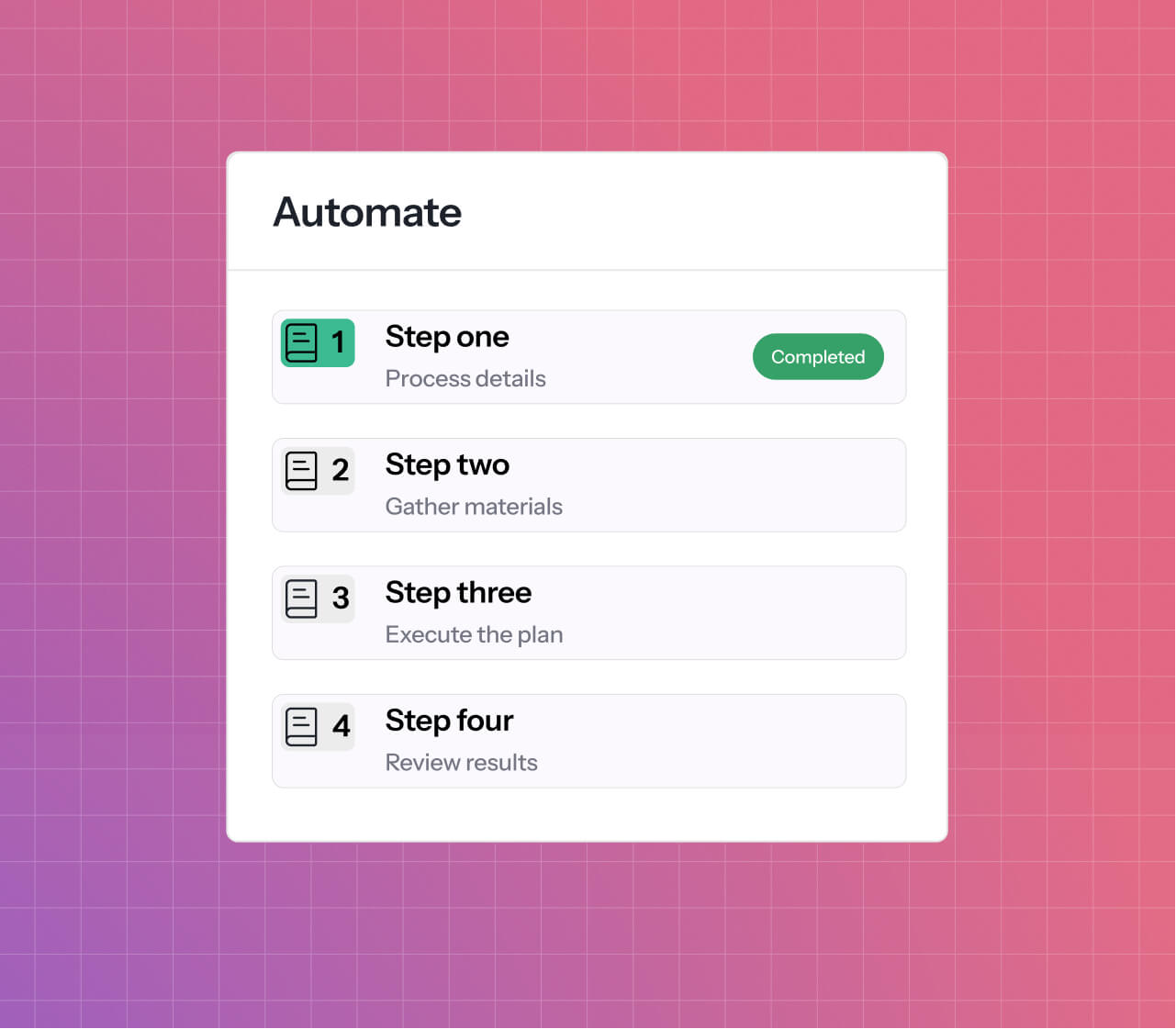
Automate any process, no matter how complex, and boost operational efficiency with our no-code automation platform.
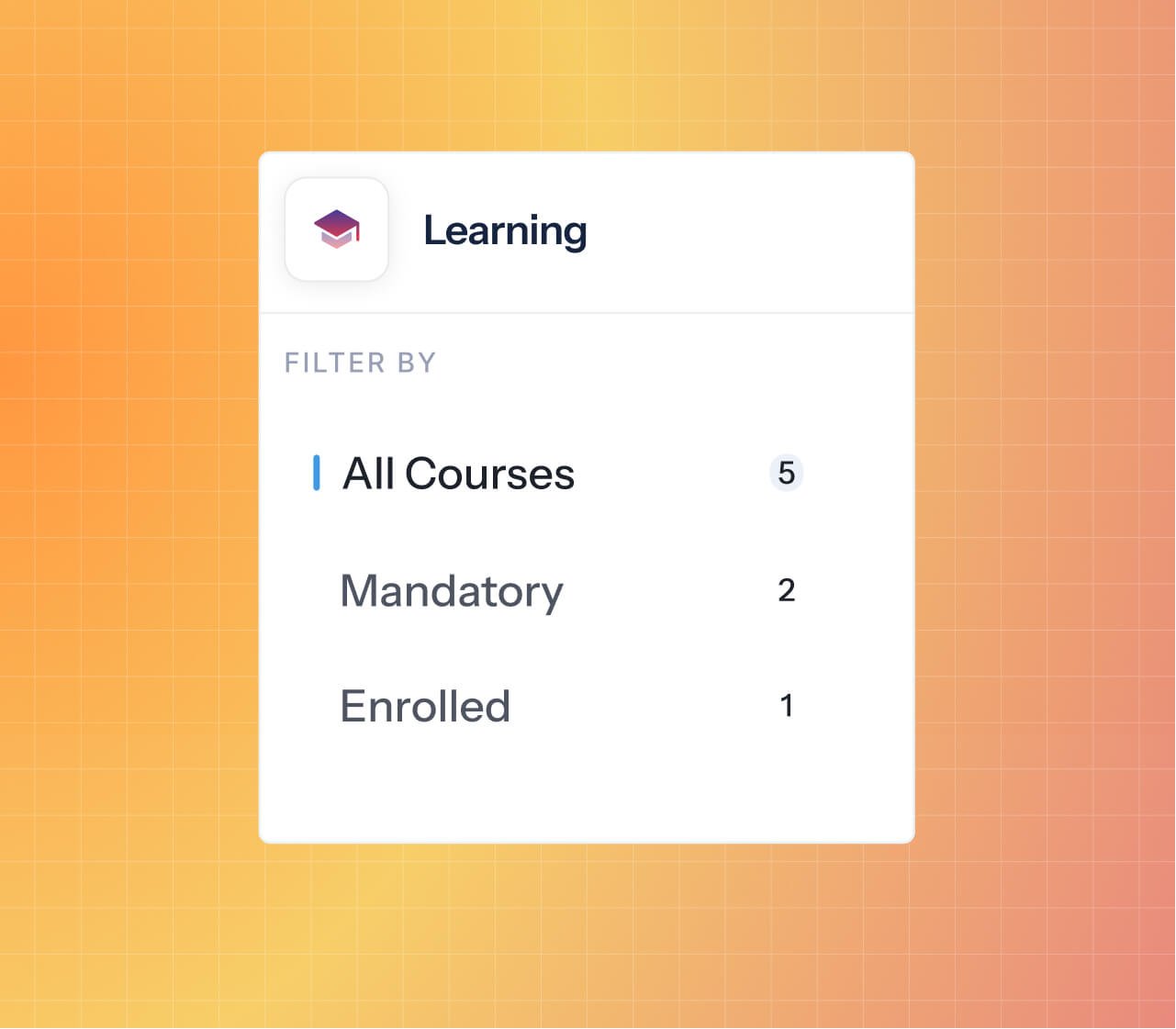
E-learning
Harness our SCORM-compliant learning management system to build trackable e-learning courses and enable your people.
Make a real difference
to your business
Create an intuitive, brand-aligned intranet
Built with customization, security and the user experience in mind, our intranet software can adapt to your every need.
This means you can harness the platform as an engaging employee portal, regulated intranet, frontline employee communications software, and more.
- Drag and drop functionality
- Intranet themes and design
- Menu builder
- Pages
- Extranet
- Third-party integrations
- Custom applications
Connect your teams and boost collaboration
Inspire your people and business units to work effectively together, no matter whether they're in the office or on the other side of the world.
- Project management spaces
- Engaging discussion forums
- Intuitive messaging tools
- Collaborative document management system with version control
- Up-to-date digital assets library
- AI search and overviews that understand user intent
Automate and streamline any manual process
Turn your once error-prone processes into slick, results-driven automations to boost productivity, accuracy, and competitiveness.
- E-form and workflow creation
- No-code interface
- Field conditions and triggers
- Permissions settings
- SLAs
- Statuses
- Process reports and dashboards
Increase employee engagement and retention
Keep your finger on the pulse of your organization via surveys and user statistics, and boost retention with targeted internal communications and rewards schemes.
- Surveys, polls and quizzes
- Audit logs
- User analytics and location-based dashboards
- Rewards badges
- Employee shout-outs
- Intranet news and blogs
Upskill your people and bridge knowledge gaps
Enhance your people enablement efforts by providing accessible resources, training materials, and engaging learning experiences. Perfect for upskilling employees, partners, contractors and more.
- Intranet AI search and overviews
- Knowledge base with an FAQ library
- Learning management system
- Module-based e-learning courses
- Course and user analytics
- Training events
- Policy and document management applications with AI-powered Q&A chatbots
Bolster your compliance and security efforts
Our platform is a robust and dependable environment for your critical business and compliance operations. We're also HIPAA compliant and ISO 27001:2022 certified for added peace of mind.
- Configurable permissions settings
- Two-factor authentication
- IP-based access controls
- Audit logs
- AI policy manager
- Compliance and audit templates
- SSO
- Turn off AI functionality if needed


Business enablement
Boost employee performance, productivity, and experience with a centralized, AI-powered solution.

Compliance management
Enforce policy compliance, secure your sensitive data and adhere to regulations with automated templates.

Corporate training
Upskill your workforce, standardize onboarding procedures, and provide compelling professional development opportunities.

Compliance & quality management
Create a culture of operational excellence, standardize your processes and uphold quality standards.

Partner management
Onboard your indirect sales partners and provide a repository of helpful enablement materials.

Internal communications
Amplify communications, enhance engagement, and boost strategic alignment in a single, AI-enriched hub.
Book a discussion call
Are we the right fit? Schedule a 10-minute intro to see if Claromentis Enablement Hub is a good match for your Organization.


25 years of experience
We've been helping ambitious businesses across the globe access and build effective, results-driven software products for decades.

Custom app development
Need a bespoke application, integration or workflow? Our friendly in-house development team is on hand to help.
.png?width=518&height=648&name=Group%20325%20(3).png)

Ongoing support
Get help, training, and onboarding support from our highly-rated customer service team and 24/7 online portal.

Cloud and on-premise
Find a deployment that works for you. Unlike many of our competitors, we offer SaaS and on-premise hosting options.

Pages
Design a branded intranet using no-code modules and drag-and-drop widgets.

Collaboration Tools
Unite your dispersed teams and improve collaboration with mobile-friendly comms tools.

AI Search
Find the information you need quickly with secure, intent-based AI search and overviews.

Knowledge Base
Create a hub of useful step-by-step articles and ensure effective information sharing.
E-Learning
Create, distribute, and track e-learning courses and pathways at scale.
.svg)
E-Forms and Workflows
Digitize any manual process and build intelligent, logic-based automated workflows.

AI Policy Manager
Easily create, organize and distribute your company policies to improve acceptance rates.

Document Management
Edit and share documents securely and track changes with version control.

Analytics
Monitor user insights across all three platforms with built-in reporting and statistics.

Locations
Build data-rich performance dashboards for every unit, department, or region.

HR Tools
Manage your HR processes with self-service tools and built-in automations.

News and Blogs
Write or AI-generate internal communications and encourage feedback with comment sections.
Explore the full Enablement Hub applications suite
Reach your
full potential
Discover how Claromentis Enablement Hub can breathe life into your culture, revolutionize your processes, and encourage sustained growth. Schedule a personalized demo with one of our experts today.