A digital workplace solution for your business to call home
Claromentis is an easy-to-use, integrated and highly customisable intranet platform that sits at the heart of your digital workplace, giving your employees an interactive space for communication, collaborative learning, task management, and knowledge sharing.
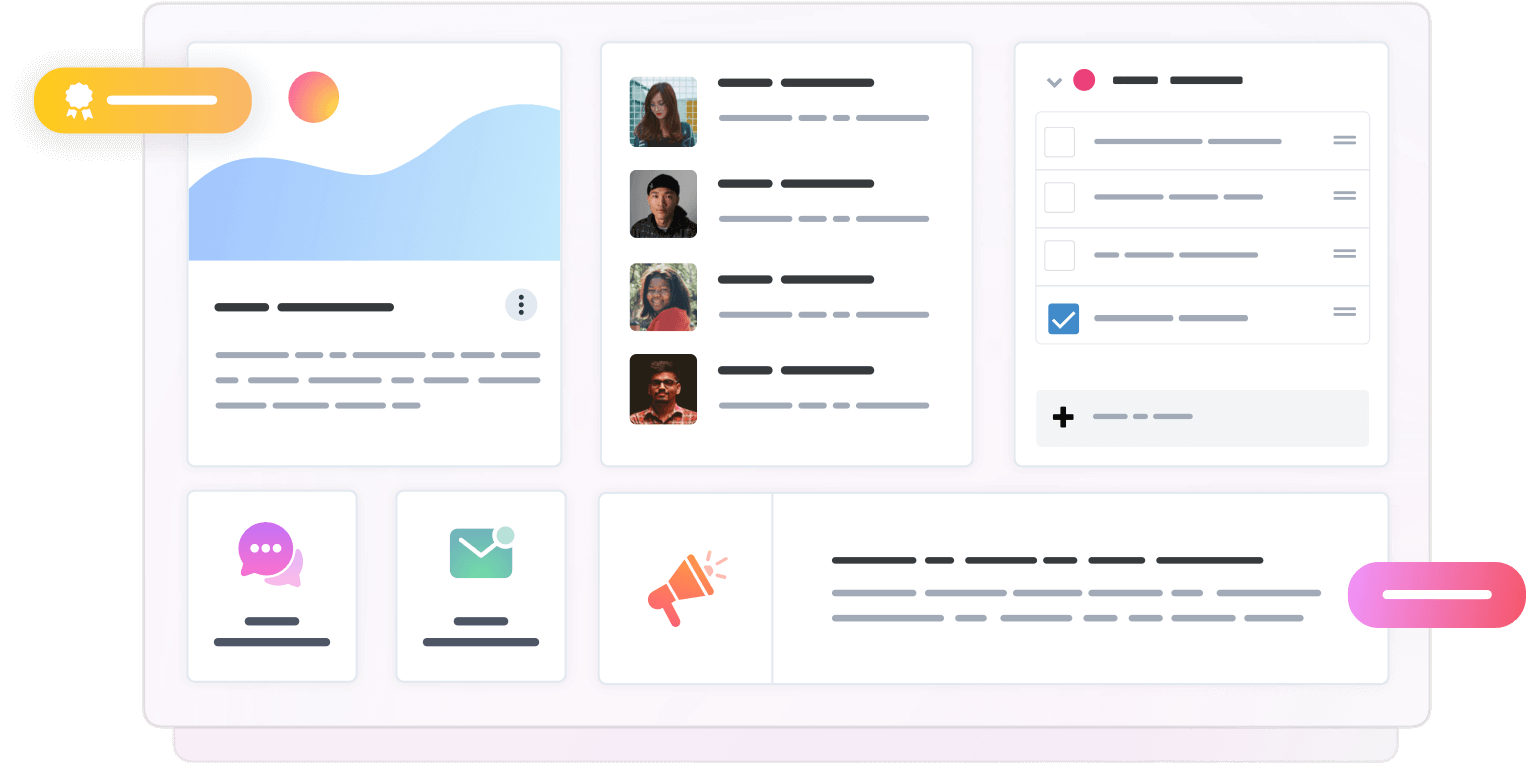
One business platform to boost internal communication and business collaboration
Our interactive and integrated platform combines outstanding intranet applications with innovative solutions such as e-forms and workflows, e-learning, and project and task management to increase internal communication, business collaboration, and productivity across your distributed teams.
Integrated digital workplace
Improve productivity by replacing multiple tools with one platform that’s at the heart of your digital workplace. Bring your employees together for better collaboration with tools that enable people to communicate, share information, and build a community, wherever they are based.
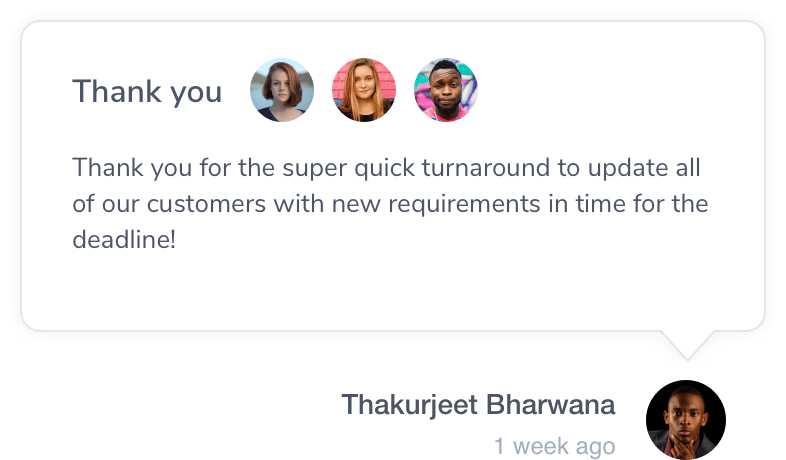
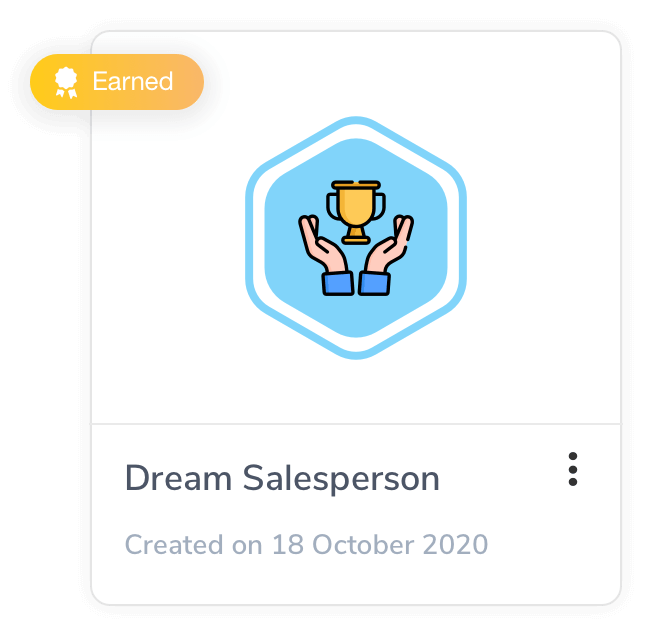
Boost employee engagement and productivity
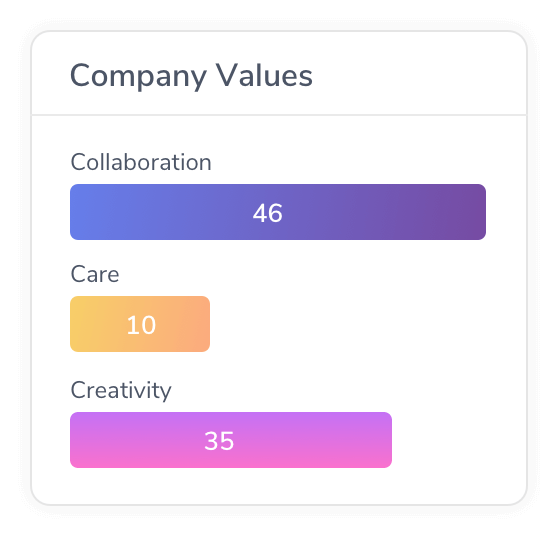
Strengthen your employee engagement, productivity, and personal development by creating an online community that helps staff feel heard, get their jobs done quicker, and be a central part of your business.
Easily build feature-rich intranets and productivity platforms
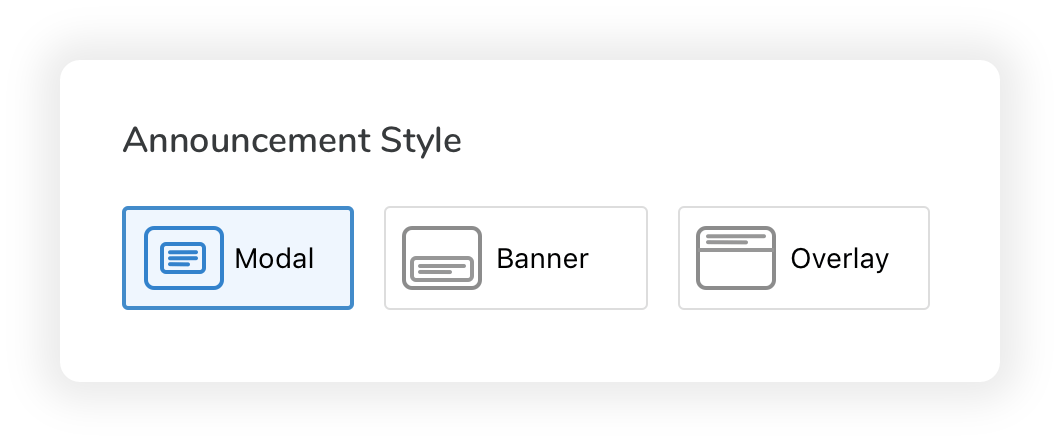
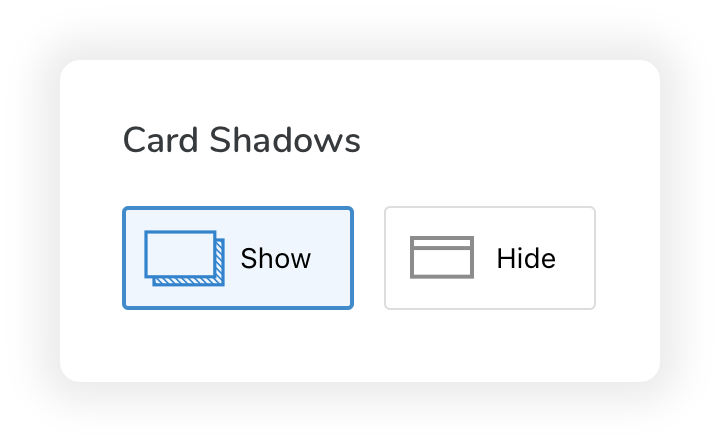
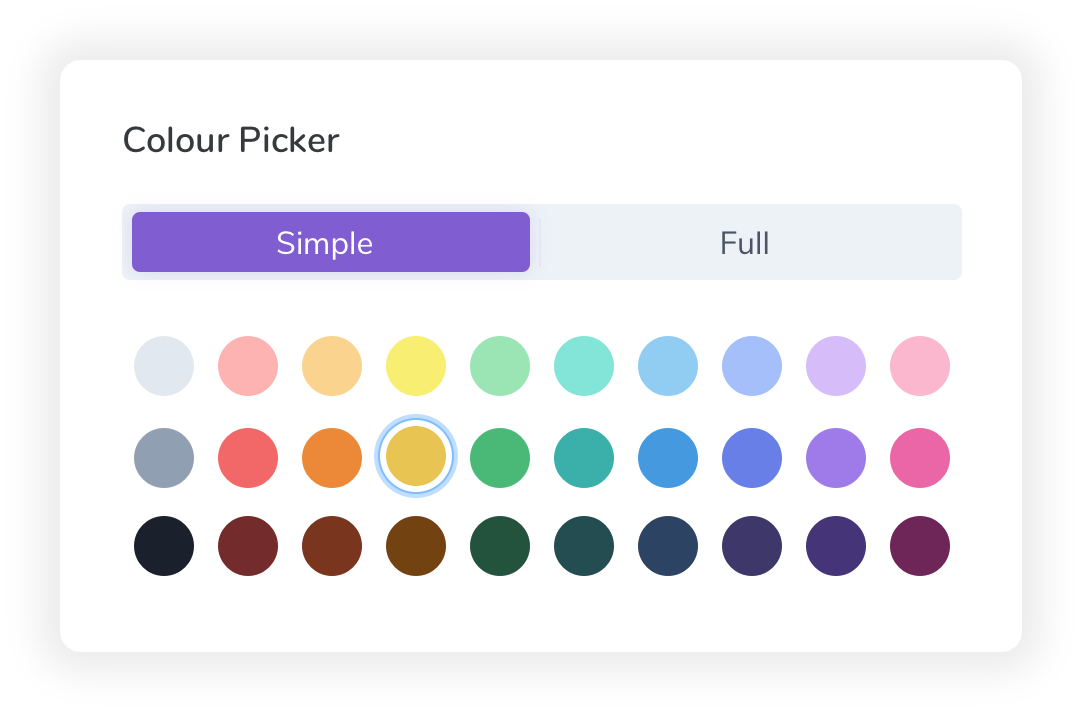
Designed by our experts, Claromentis empowers non-techies to build feature-rich intranet solutions and productivity platforms that combine e-forms and automated workflows, targeted employee communications, learning and development tools, and project and task management.
Protect your data and business
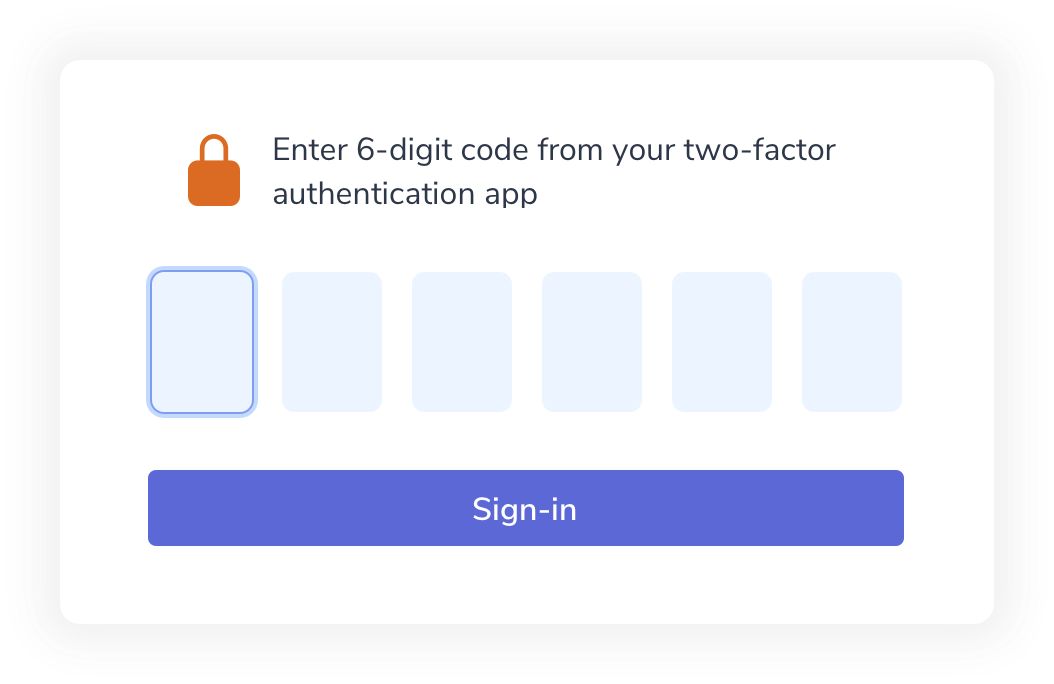
Our business platform is HIPAA, ISO 9001:2015 and ISO 27001 compliant, helping you meet industry regulations and data privacy law requirements within your organisation.

A personalised onboarding experience just for you
We provide personalised customer support too, with no chatbots in sight. Get to know our customer support specialists on a first-name basis and our friendly experts will help you get the most out of your business platform.


Empowers non-techies to build interactive intranets and productivity platforms
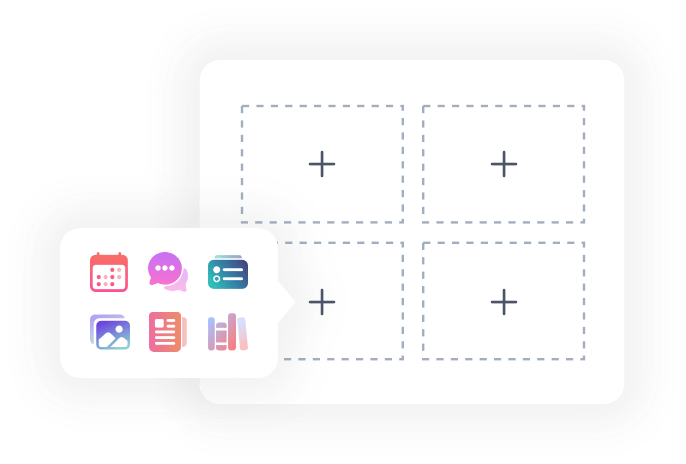
Claromentis is designed for non-techies to build an interactive intranet and feature-rich productivity platform that meets the unique needs of your company. Our dedicated, in-house customer support team are on hand to help you get the most from your platform.
Intranet software
Support your employees by connecting them to the latest information available including documents, files and targeted content to boost real-time collaboration.
Digital forms and workflow automation
Easily build intelligent workflows and customisable online forms to improve accuracy and save time from repetitive tasks.
E-learning
Collaborative learning programs help expand your teams’ professional and personal development, for a truly knowledgeable workforce.
Project and task management
Keep your projects on track by providing a central place for project team collaboration and communication, even when team members are distributed around the world.
Why brands trust our digital workplace
-
Apprenticeship Connect
-
SeriousFun Children's Network
-
Boost.ai
-
Hollywood Bowl
"Claromentis has completely transformed the way we work at Apprenticeship Connect, and it has been of even greater value since the move to remote working in 2020."
-
Advanced Water
-
Lincoln Property Company
-
Avacare Health Group
-
The Central Bank of The Bahamas




How Claromentis can help you
C-Suite
Boost employee engagement, productivity, and collaboration across your distributed teams.
Dean
COO at Avacare Health
“The all-in-one package for our company we were looking for. It has been a game-changing experience getting Claromentis implemented.”
IT
Easily transform to a distributed business model that empowers employees to collaborate more easily.

Olivia
Business & IT Analyst at Apprenticeship Connect
“Claromentis has completely transformed the way we work. The system has exceeded our expectations and has become a core part of the employee experience.”
Operations
Increase efficiency and put great processes in place for collaboration, communication, and community.

Adam
Operations Director at Advanced Water Company
“A wealth of useful features, extremely customisable and easy to use.”
Blogs