Powerful workflow automations and digital forms that do the busywork for you
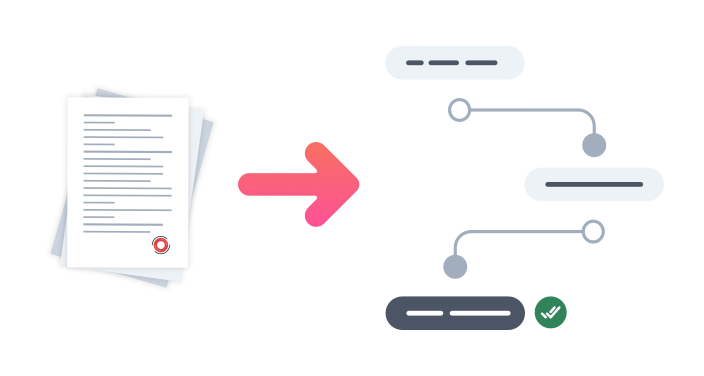
Free your teams’ time from manual, repetitive tasks and improve data accuracy with our powerful and flexible workflow automation software and digital forms. Our easy-to-use form builder empowers your teams to go completely paperless by transforming paperwork into online forms, whilst our workflow automation tools ensure your business processes move forward to the next stage each and every time, without any human input.
Get free trialNo more paper forms
Replace outdated paper-based business processes with buildable digital forms that save on space and improve efficiency.
Save time and accomplish tasks faster
Keep your daily tasks moving forward with automated workflows that boost internal SLAs and save valuable employee time.
Improve information accuracy
Our intuitive workflow management system minimises manual data entry, helping improve accuracy across your entire organisation.
Focus on meaningful work
With workflow automation taking care of repetitive tasks, your staff are free to focus on the creative and strategic projects that will grow your business.







Transform your paperwork into digital forms
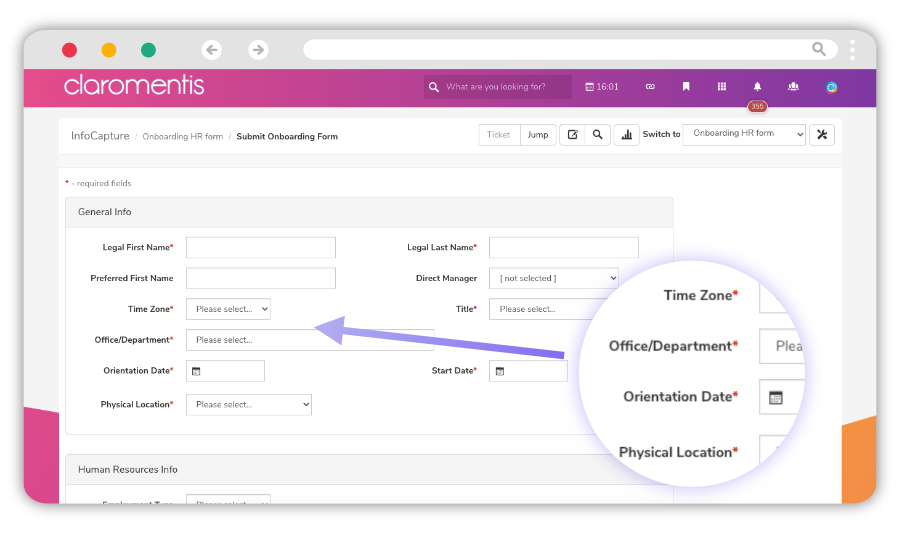
Go paperless by building your own digital forms. Our electronic forms feature empowers your teams to build paperless forms of all kinds including support help desks, loan applications, sales orders, agile meeting retrospectives – you name it, you can build it! Simply drag and drop form fields into place to build bespoke forms that match your business needs in just a few clicks.
Improve data accuracy with automated workflow technology
Our smart workflow automation technology ensures your business processes are based on accurate data and run as smoothly as possible. Add workflow automations to hide or display form fields when an action takes place, create business rules that trigger automatic updates based on workflow events, and use mandatory fields to capture essential data.

Reduce time consuming admin and focus on meaningful work
Our workflow management software liberates your staff from repetitive and manual paper forms and processes, so they can focus on the meaningful work that will drive your business forward. Whenever a digital form is submitted, our workflow automation tools will beaver away in the background to distribute the data to the relevant teams or move it to the next stage – without any human intervention.

Uncover important insights with in-built reporting
Analysing the data gathered from your paperless forms and automated workflows is crucial to gaining important insights, helping you to continuously improve and optimise your business processes. Our workflow automation software comes with a built-in report wizard with smart filtering features, allowing you to create custom reports for detailed data analysis



Book a personalised demo
Schedule a time to speak to our team of experts about your project goals and we’ll show you how the Claromentis platform can help you achieve them.


Strengthen your stakeholder relationships by taking external forms online
Give your business partners, customers, and third-parties easy access to your digital forms using our secure extranets feature. Whether you’re a financial institution that needs to provide loan applications to customers, or you have an external-facing technical support help desk, you can strengthen your stakeholder relationships and the customer experience by saving them from complex paper forms too.

Monitor form and workflow process statuses on your intranet homepage
Push important workflow automation and digital form updates directly to your intranet homepage with dashboard widgets. Teams can monitor SLAs, open items, status updates, and more as soon as they access the intranet, giving them instant insights into uncompleted tasks. Customise each widget to show data from different workflows and forms, and view everything in an engaging and intuitive dashboard.

Improve business process resolution times with SLAs and notifications
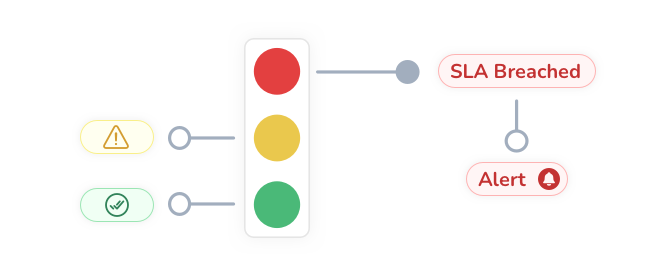
Our SLAs feature checks the progress of each digital form and workflow automation against its resolution time, flagging up any high priority issues to the relevant team members so they can handle them quickly and efficiently. You can also set up notifications for each form, so that tailored alerts are sent to the right people or shared email inboxes.
Book a personalised demo
Schedule a time to speak to our team of experts about your project goals and we’ll show you how the Claromentis platform can help you achieve them.
Workflow Automation and Digital Forms Resources
Workflow Automation and Digital Forms FAQs
What is the purpose of workflow automation?
Both workflow automation software (also known as workflow management software) and digital forms are essential in today’s world of hybrid and remote working. Staff are often working from home, out on the field, or whilst travelling, which means organisations can no longer use outdated methods of working that rely on a physical presence. By using paperless forms and automated workflows, teams can get their tasks done regardless of their working location.
But more than that, workflow automation and digital forms bring loads of operational benefits to your teams and entire business, including:
• Streamlined processes: Automated workflow software handles the repetitive and manual tasks for you, eliminating the need for staff to input data into forms or scan and email paperwork to their colleagues for sign-off. Instead, workflow automations will move business processes forward through pre-defined stages, such as “submitted”, “in progress”, “completed”. However complex your processes, you can tailor our workflow automation software to suit your business operations.
• Time savings: A workflow management system saves a lot of time from manual busywork such as data entry, replying to emails, and filling in paper forms. In fact, a poll of 2,000 UK staff found that five hours every week are spent on digital admin tasks like these. By using workflow automations, your staff will recoup those lost hours and be free to work on projects that bring more value.
• Paperless forms: Replacing paperwork with digital forms helps reduce costs, which for small businesses running on a tight budget, will prove essential
Not only that, but switching to online forms is better for the environment too. A typical US office worker uses 10,000 sheets of copy paper a year, equivalent to 4 million tons of annual paper consumption. But by going digital instead, you can help reduce your organisation’s carbon footprint.
How do you create a good workflow?
So, how do you automate a workflow in the best way? Ultimately, the answer depends on the nature of your business. Each and every organisation is different, and what works for one may not be useful for the other.
Thankfully, our workflow automation software is really flexible, which means that it can be tailored to suit a variety of different business needs. Teams can create digital forms of any kind using our drag and drop form builder, where they can choose from a selection of form field types such as date pickers, drop-down lists, HTML, and file uploads.
Similarly, our workflow management features can be customised to reflect all manner of internal or external processes including customer support help desks, purchase orders, employee onboarding, recruitment portals, and even mortgage applications.
What are some examples of automation?
What is an example of workflow automation in action? Head to our workflow automation and digital forms examples page for a full list of inspirational ideas, or check out our top 3 examples below:
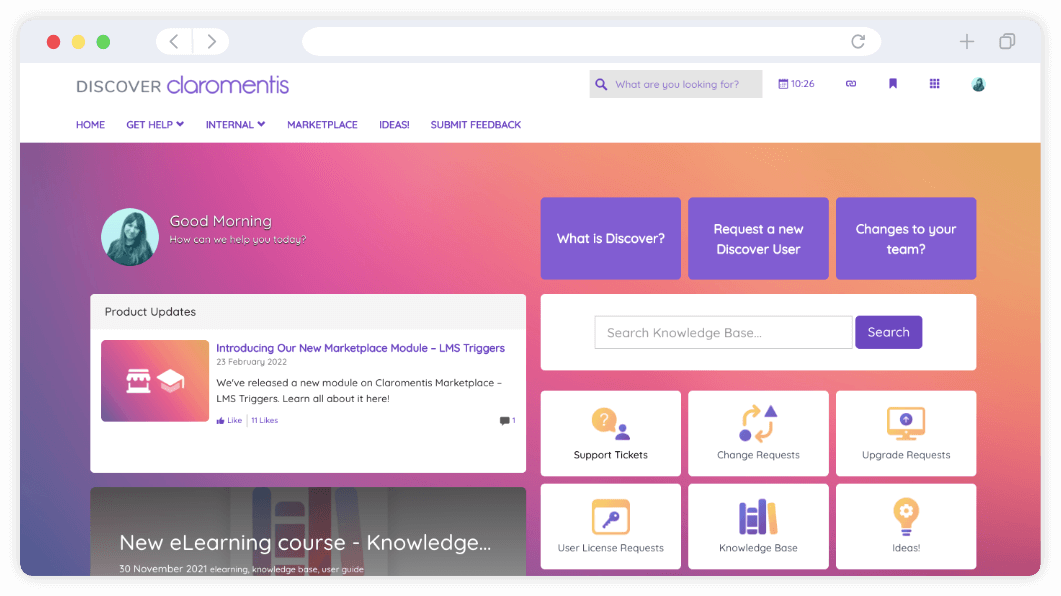
Customer support help desk: Here at Claromentis, we use our very own workflow management software as a customer support help desk, called Discover.
Our customers can simply submit a support ticket via a dedicated digital form, which will get automatically assigned to one of our support technicians for investigation. Depending on the nature of the issue, the ticket will go through multiple steps and levels of escalation before it’s resolved and confirmed by the customer. At every stage, both our customers and team members are kept up-to-date with automatic notifications.
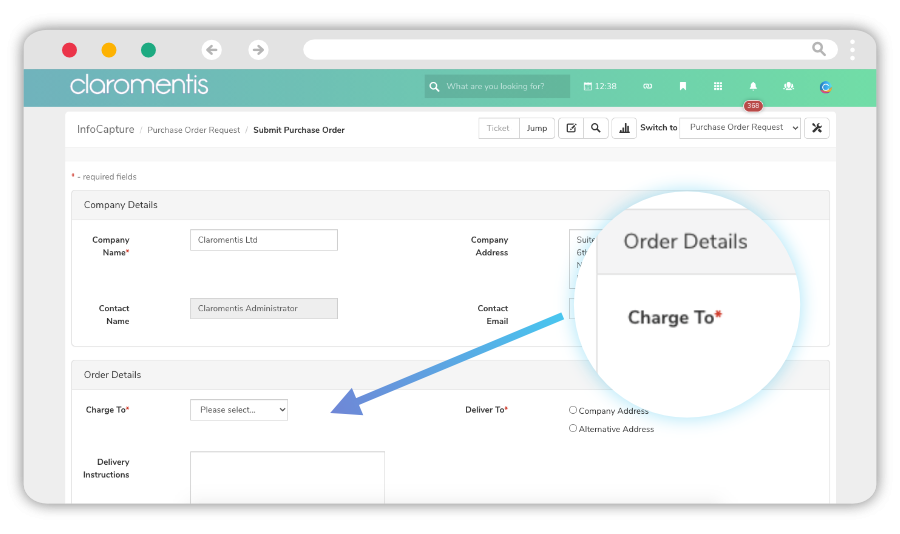
Purchase orders: One of the most common workflow automations we see our customers build are purchase order requests. Traditionally a paper-based process that needed multiple stages of approval, this could be slow and time consuming for everyone involved.
By using automated workflows and digital forms, our customers are able to speed up the purchase order process, notify senior managers when sign-off is needed, and ultimately improve turnaround times.
Employee onboarding: Human resources are a prime example of a team that would benefit greatly from automated workflows. Bogged down with admin tasks, human resources teams are unable to focus on the “human” tasks that require empathy and creative thinking. So giving them workflow management software to take care of the busywork is a no-brainer.
Many of our customers use our workflow automation tools to manage parts of the employee onboarding process, such as capturing data on start date, salary, contract details, next of kin, and working location. Doing so frees their human resources team’s time from processing endless induction forms, so that they can instead focus on building an employee onboarding programme that will help new hires feel welcome and improve staff retention.