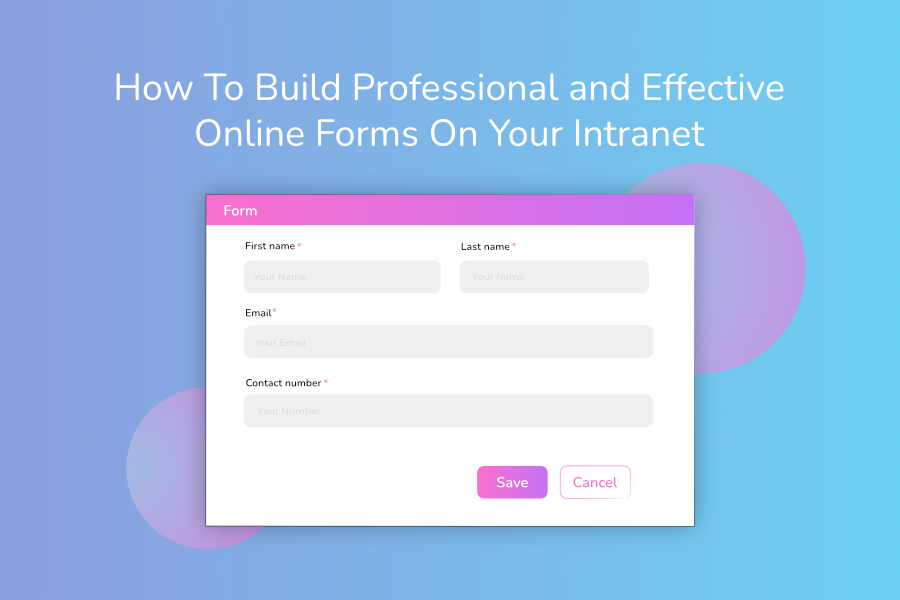
Online forms are everywhere. Whether people are shopping online, submitting an expense claim, sending a contact form, or even signing up to Netflix, these processes wouldn’t be possible without putting an online form on your website.
Indeed, forms act as a data collection gateway, standing between the user and the desired outcome. It’s only until a user completes the form with the necessary information – such as their name, email, and address – which then triggers some conditional logic in the background, that they’re able to complete a purchase or request a service.

That said, not all online forms are equal.
A poor design, too many form fields, or vague field labels can mean the difference between a good or a bad user experience. If a form is unclear, asking for the wrong information, or simply difficult to use, people will become frustrated and either enter the incorrect details or abandon the form altogether. In fact, travel firm Expedia lost $12m in profits a year because of a superfluous form field that caused a lot of confusion!
Online forms are a huge part of your business operations too, whether you realise it or not. Employees fill out various forms in their day-to-day roles such as expense claims, leave requests, purchase orders, and invoices. Given that staff spend almost an hour a day on admin tasks like these, it’s important that you scrutinise your online business forms to see if they could be improved. Doing so may save your employees a lot of time and frustration in the future.
Business forms like those mentioned above are very often housed on your staff intranet, so start your investigations here for potential improvements. Your forms should be as effective and user-friendly as possible – so here are some best practices you should be following when you create a form on your intranet:
Use a logical layout for online forms
Form layout is important, as it reduces the chance that users will get sidetracked and abandon the page. Indeed, it’s best practice to put the easiest fields first (such as name and email) followed by fields that require more time-consuming and thoughtful answers (such as free-text fields that need a detailed response). Users are more likely to finish completing a form if they’ve already invested some time into it.
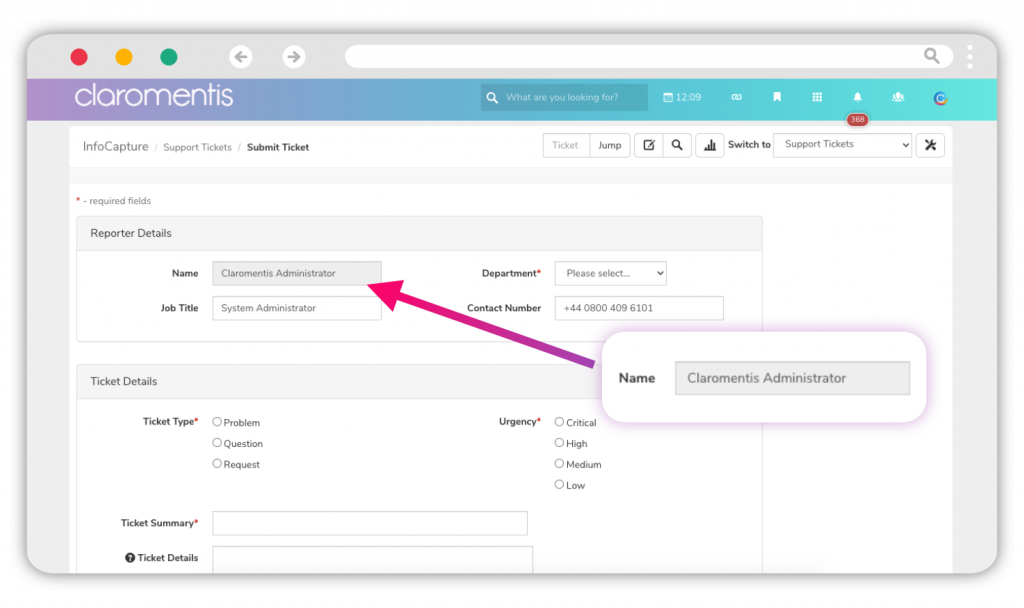
The size of individual form fields is also worth considering, because it (subconsciously) tells the user how much information they need to enter. For example, a one line field suggests that only a couple of words are needed (such as name or email) whereas a large free-text field indicates that a lengthy answer is required (like additional comments or requests). Get these the wrong way round, and you’ll quickly confuse your users.
Your intranet’s online form builder will come with pre-built drag and drop tools that make it easy to organise layout and field size, allowing you to build functional and beautiful forms in no time. And once you have a form layout that ticks all the boxes, you can utilise this to create form templates for future use, making the form building process much quicker.
Label your online form fields correctly
If your form field labels are unclear, people simply won’t know what information to enter. This could end in two ways: a user inputs the wrong data, or they quit the form.
To understand if this is an issue, look at your intranet form responses to see if they match what the form is asking. For example, are staff mistakenly entering their home address rather than the company address when submitting an invoice? If so (granted, it’s unlikely) this would indicate that form labels are unclear, and staff are simply guessing what information to share. Simply changing the field label from “address” to “company address” would swiftly resolve this issue.
Add help text to your online forms
Preempt any potential misunderstandings by adding some help text to your online forms, which provides a brief explanation of what data is required and why.
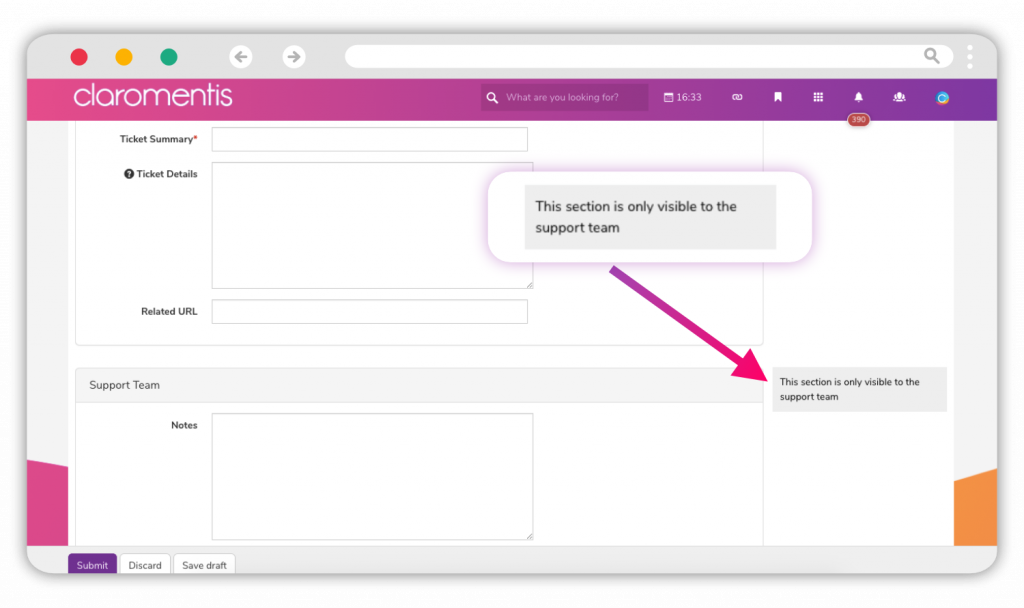
Indeed, most people are wary of sharing more information than they need to, and would baulk at the idea of entering personal data when it’s not clear why they’re being asked. By explaining why certain information is necessary for a form to be processed, you’re giving the user some context and reassurance.
Make your online forms engaging
It goes without saying that your online forms need substance in order to function. But they need style too, which can turn the form-filling exercise into a more engaging activity.
For instance, applying your organisation’s branding to your online forms, such as fonts and colour schemes, gives your forms a tailored appearance that will engage your staff more than generic ones. Structuring your forms into sections, rather than displaying all fields in one big list, also provides a cleaner experience.
You can even embed code and images into your online intranet forms, as well as checkboxes, drop-down selectors, and file uploaders, to make them more interactive. Who said filling in forms couldn’t be fun?