

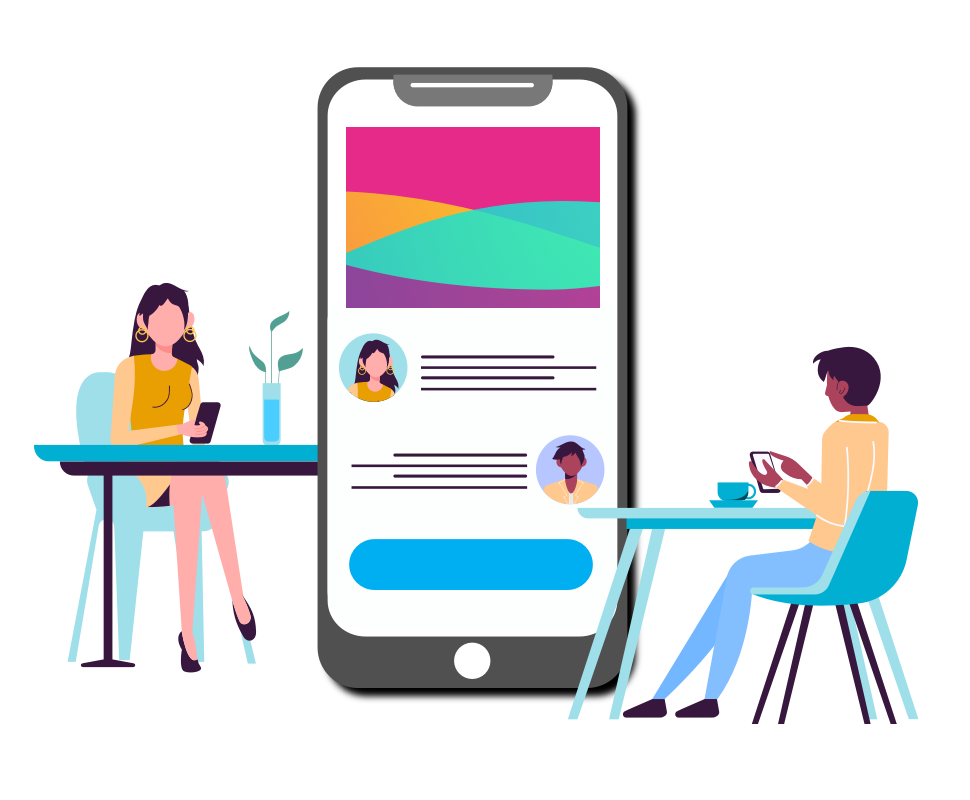
Access your intranet on any smart mobile phone
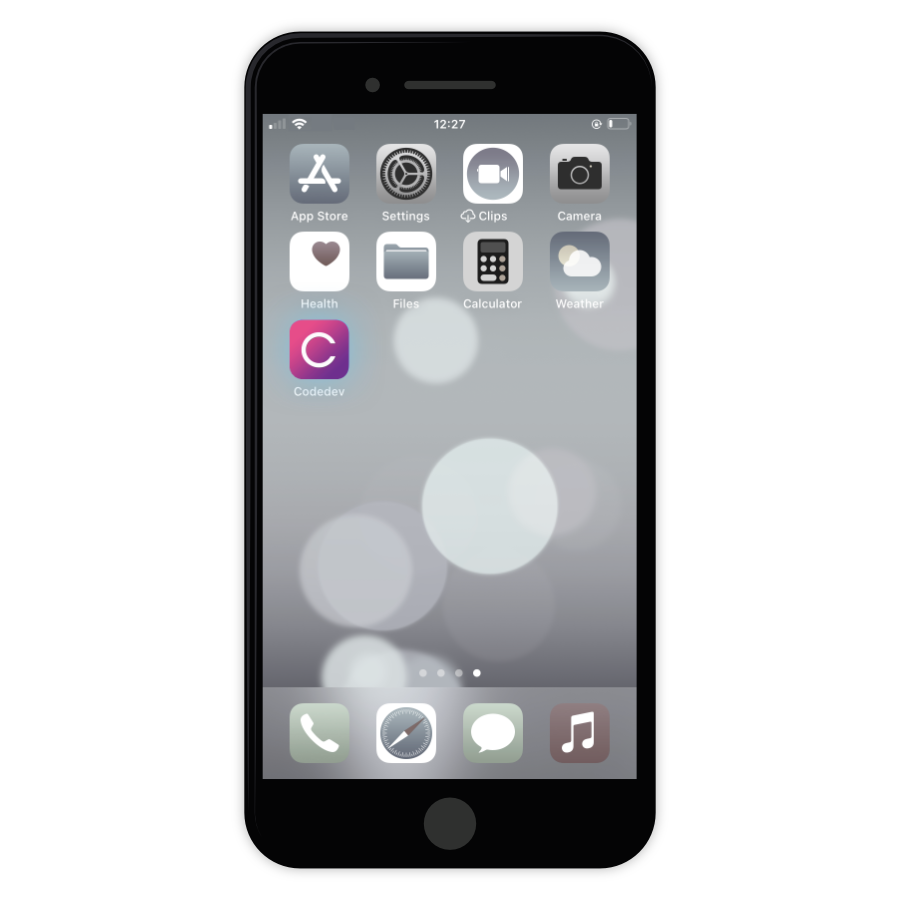
Our digital workplace software is designed to be responsive on mobile browsers, so your mobile users can view documents, submit e-forms, share information, and communicate on the go. With our mobile-first designed digital workplace, all intranet features and valuable data are just a tap away on any mobile device.
Improve internal communications with mobile push notifications
Need to send an important update or urgent announcement to your mobile employees? Our mobile intranet includes push notification technology, which automatically sends real time notifications to field workers’ smartphones and mobile devices.
Personalise your mobile intranet to boost adoption rates
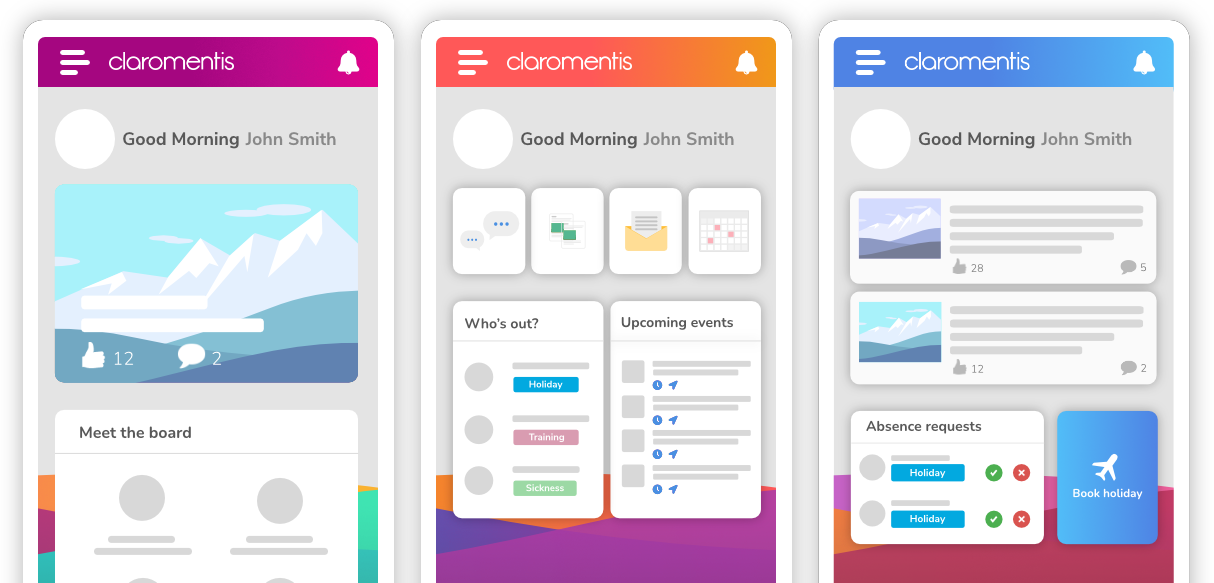
Customise and configure your mobile intranet using our content management system, which empowers you to build a personalised platform for your staff without the need for technical expertise. Simply click to change colour schemes, backgrounds, and fonts, and use our in-built permissions system to target relevant content to your employees, providing them with a personalised user experience.
Easily manage access to mobile intranet data
All data between your desktop and mobile intranet software is shared, meaning you don’t have to manage mobile users separately – staff can simply login with their usual details and they’re in. Enable Two-Factor Authentication to add an extra layer of security to your mobile intranet, where staff have to enter a unique code to get access.
A native mobile intranet app to call your own
Need to send an important update or urgent announcement to your mobile employees? Our mobile intranet includes push notification technology, which automatically sends real time notifications to field workers’ smartphones and mobile devices.